
(Quick Tip: WSDL file should be read from bottom to top)
As the name indicates this single file contains all the information needed to understand a web service. like, URL, Req and Response message structure, operations that can be performed on this web service etc,.
In simpler terms, a developer can develop a web service completely by just having a WSDL provided, we also share this WSDL to those who are consuming this web services so they know how to interact.
Few points to note before we go inside a WSDL file.
— XML message structure can be defined inside a WSDL itself OR
— we can have a XSD( XSD is XML itself. Its purpose is to define the structure of Req and Response message ) as a separate file and import into a WSDL.

–predominantly used for SOAP web services.
Now let’s dive into WSDL file, note that a WSDL file should be read from bottom to top (I learnt from my experience ) as from element “Service > binding > PortType > operation > input(req) / Output (resp) > Message > types (fields) details of input and output“.
- Let us start with most bottom element “Service”. Service element shows the service name and where it can be accessed from – in other words, its endpoint

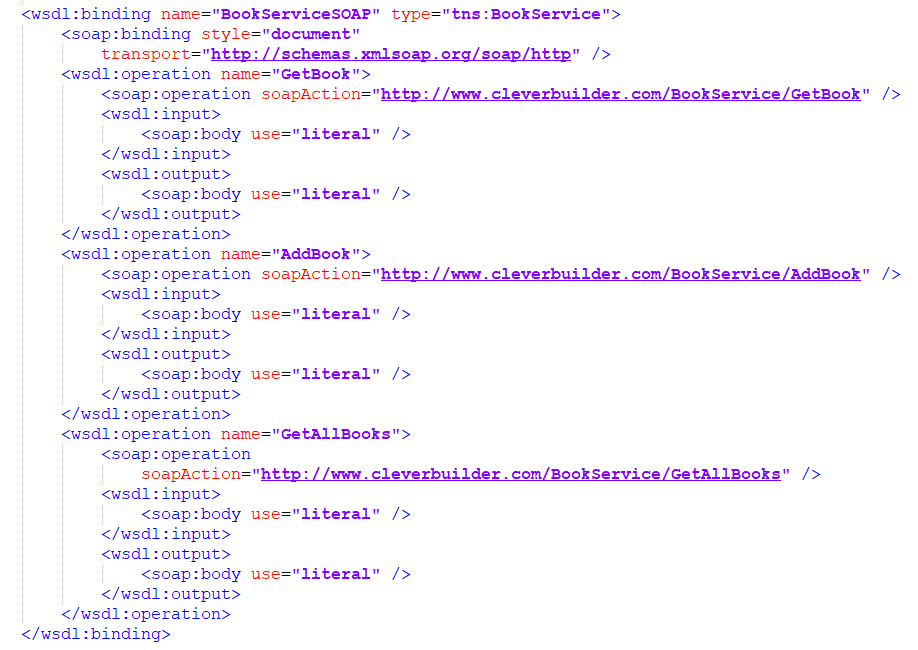
2. The binding element defines exactly how each operation will take place over the network. In this case, we are using SOAP.
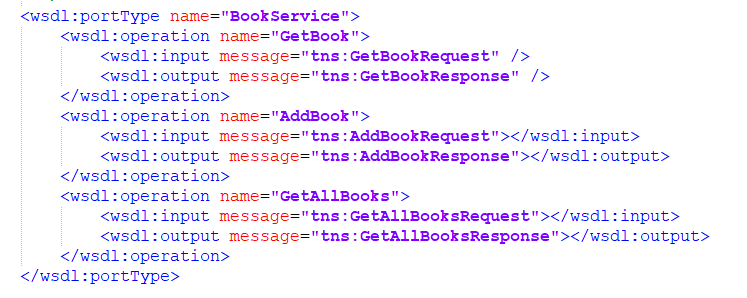
3. A WSDL portType is used to combine multiple messages (e.g. input, output) into a single operation. Here we define three synchronous (input/output) operations
and the messages that must be used for each.
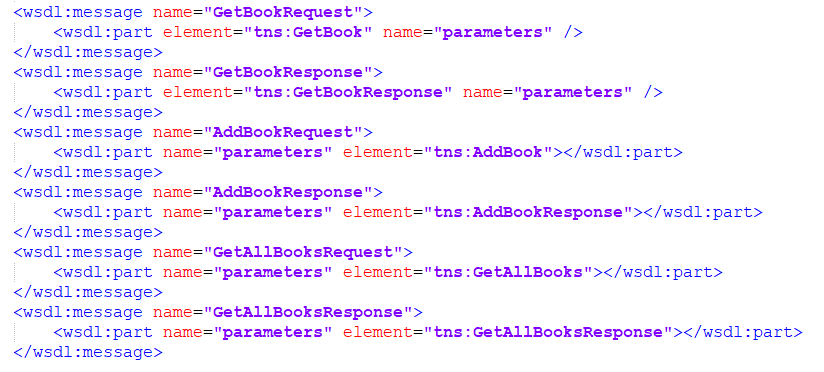
4. message element is used to define a message exchanged between a web service, consisting of zero or more parts.
5.The types element defines the data types (XML elements) that are used by the web service.

Info for beginners in IBM Integration bus: By default WSDL file is mandatory if you are using SOAP input-node/Req Node, but if you don’t want to validate input req or receive generic input from multiple front-ends/ send to multiple back-ends on same flow you can use SOAP nodes without WSDL by changing “Operation mode” to Gateway mode.
A SOAP webservice can be implemented in IIB with both SOAP and HTTP nodes.
#IIB #IntegrationBus #IBMAppConnect #Integration #ESB #IBMIIB #Middleware #SOA #WSDL #SOAP
 Game of Integration